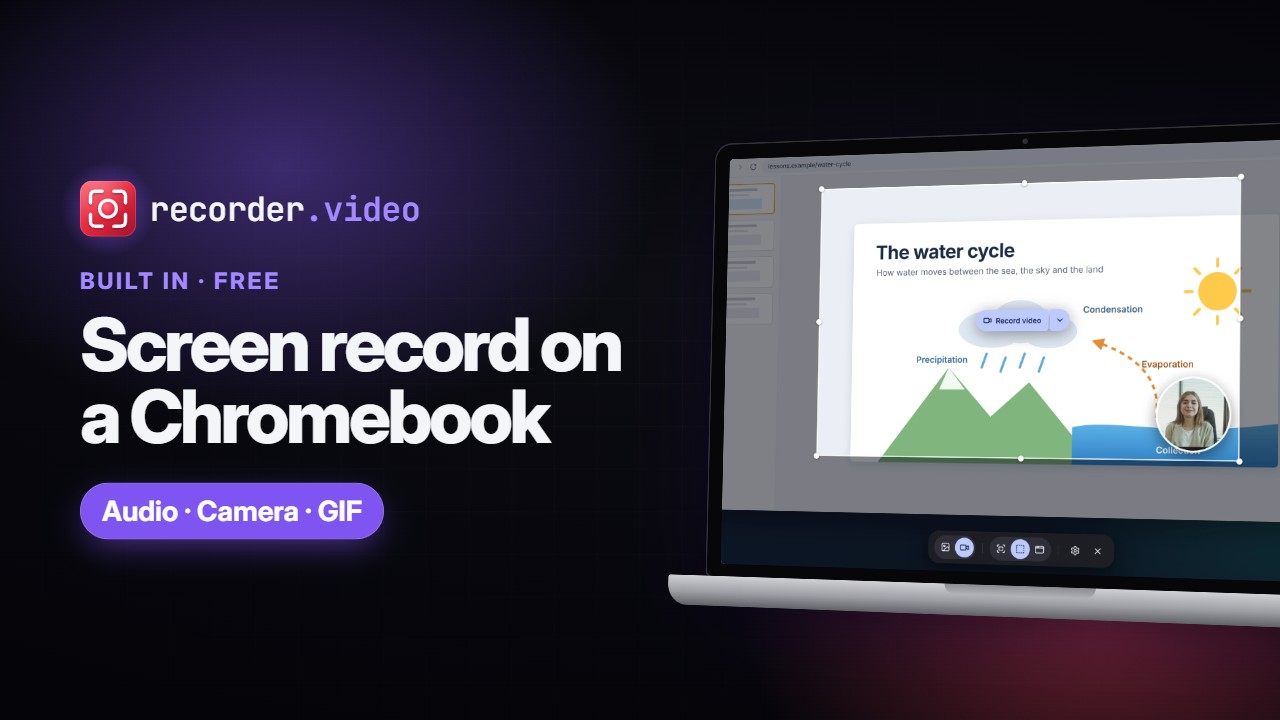
 Duration: 1 minute 55 seconds
Video guides
Short narrated walkthroughs for recording your screen, webcam and voice, each with chapters, captions and a full transcript.
- Duration: 1 minute 55 seconds
-
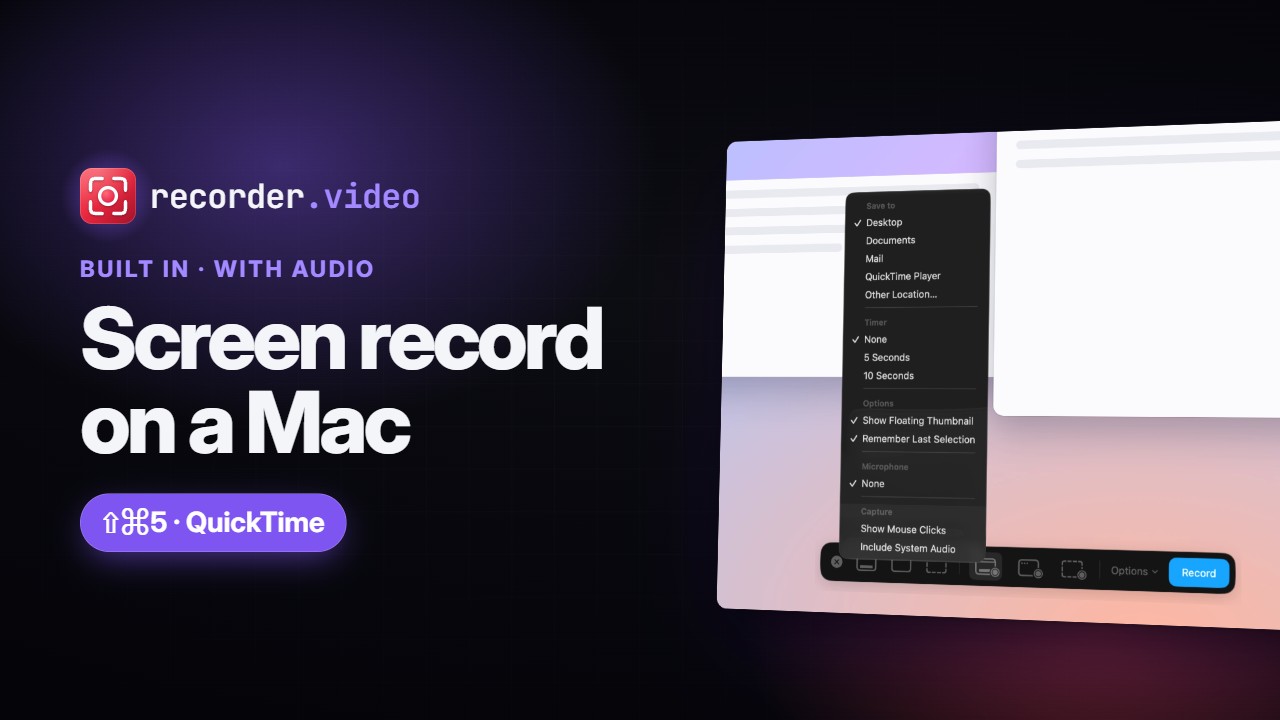 Duration: 1 minute 59 seconds
How to Screen Record on Mac (With Audio): Shift-Command-5 & QuickTime
Screen record on a Mac with Shift-Command-5 or QuickTime Player: record the whole screen, a window or a selection, set the save location, timer, microphone and mouse clicks, record system audio on macOS 27, stop from the menu bar, and a free browser option. -
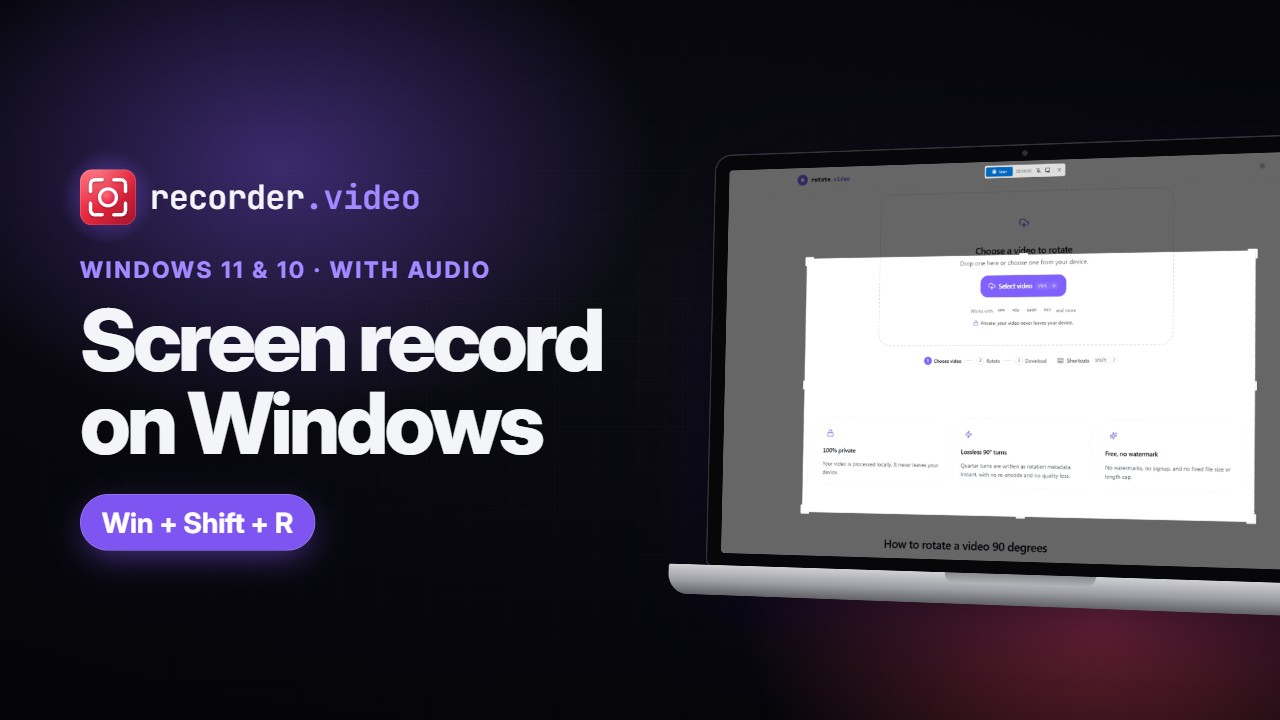 Duration: 2 minutes 8 seconds
How to Screen Record on Windows 11 and 10 (With Audio)
Screen record on Windows with Snipping Tool (Win+Shift+R), Xbox Game Bar (Win+Alt+R) or your browser. See how to add your mic and system audio, where recordings are saved, and why Game Bar only records one app.